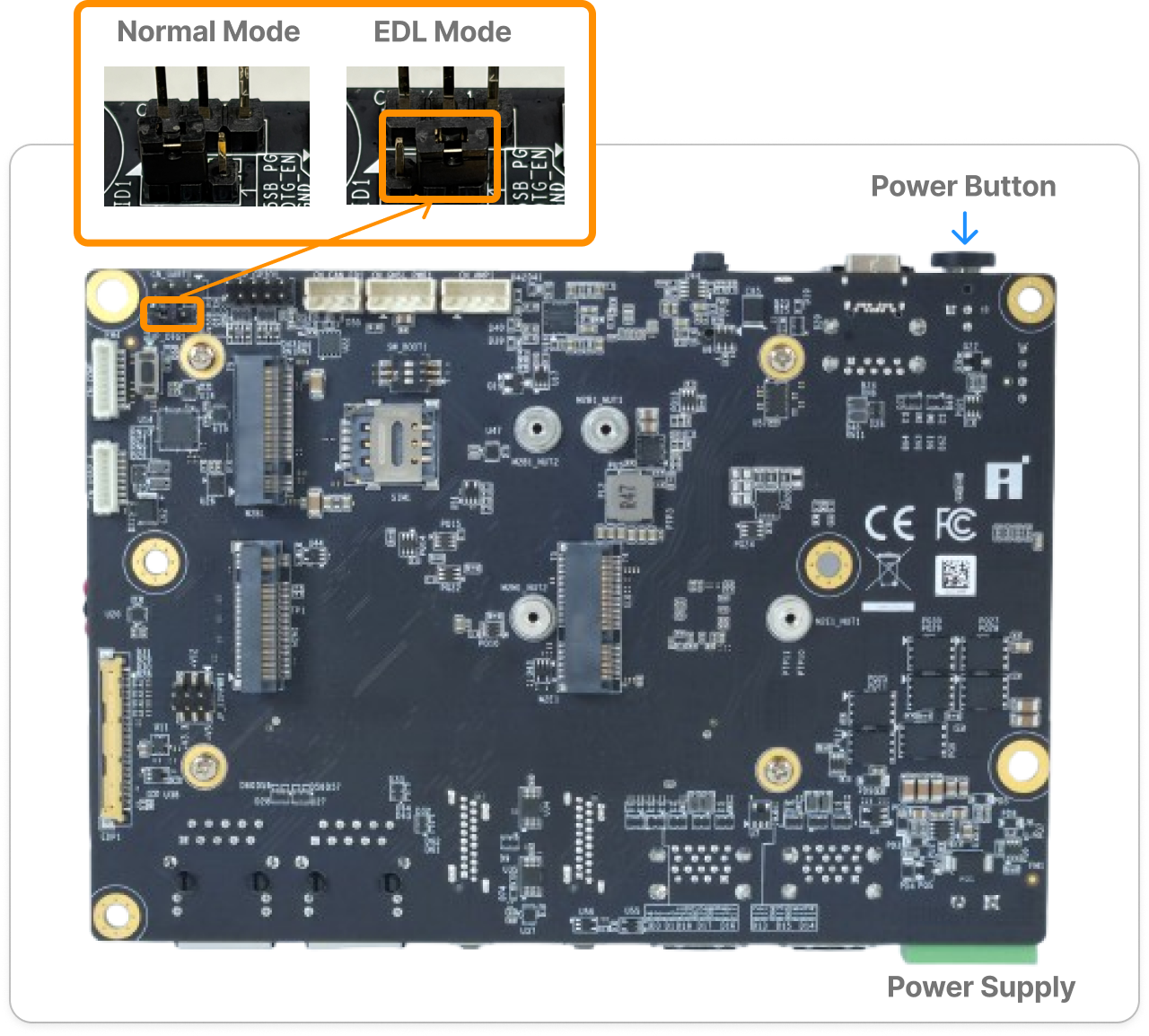
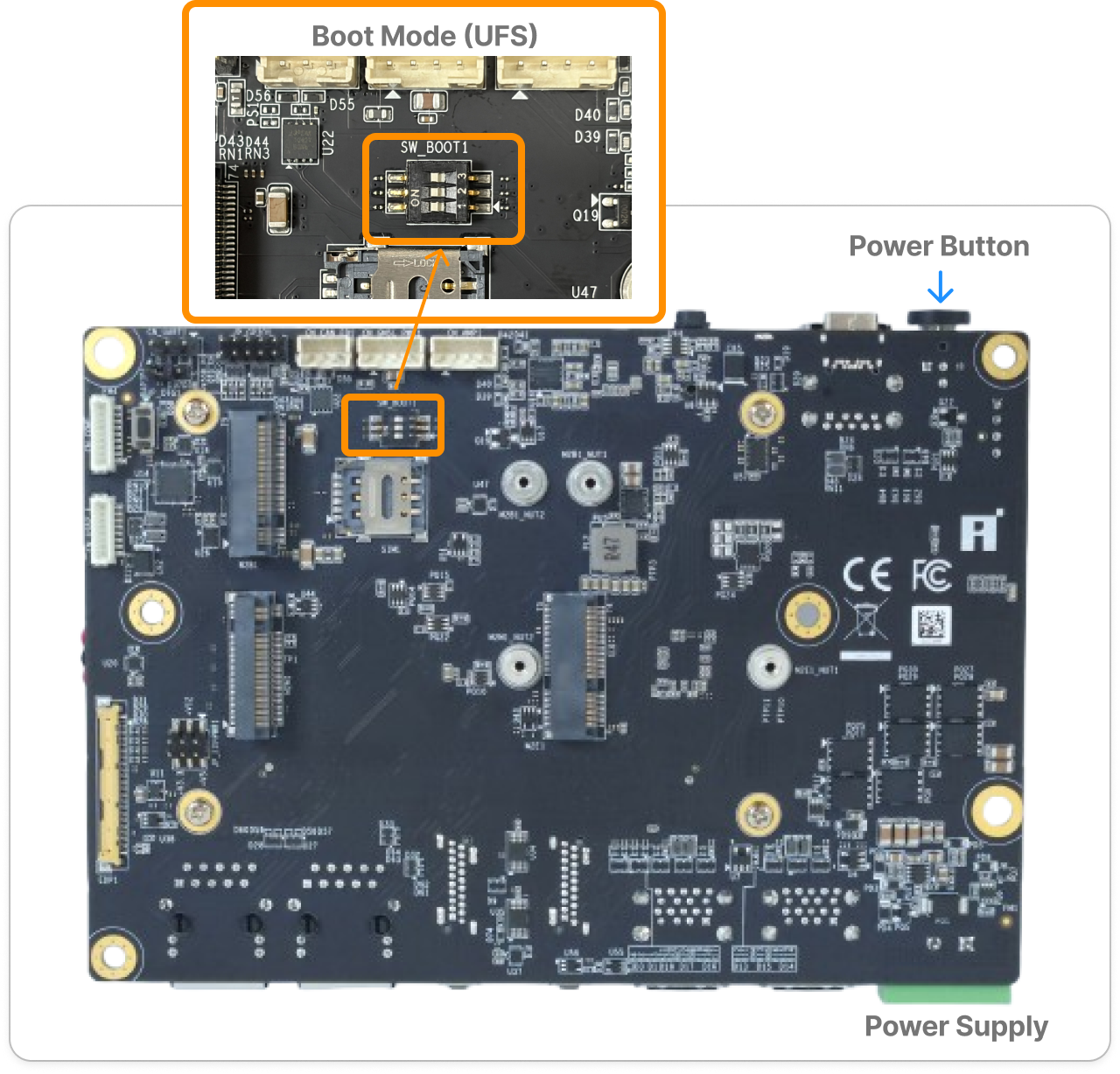
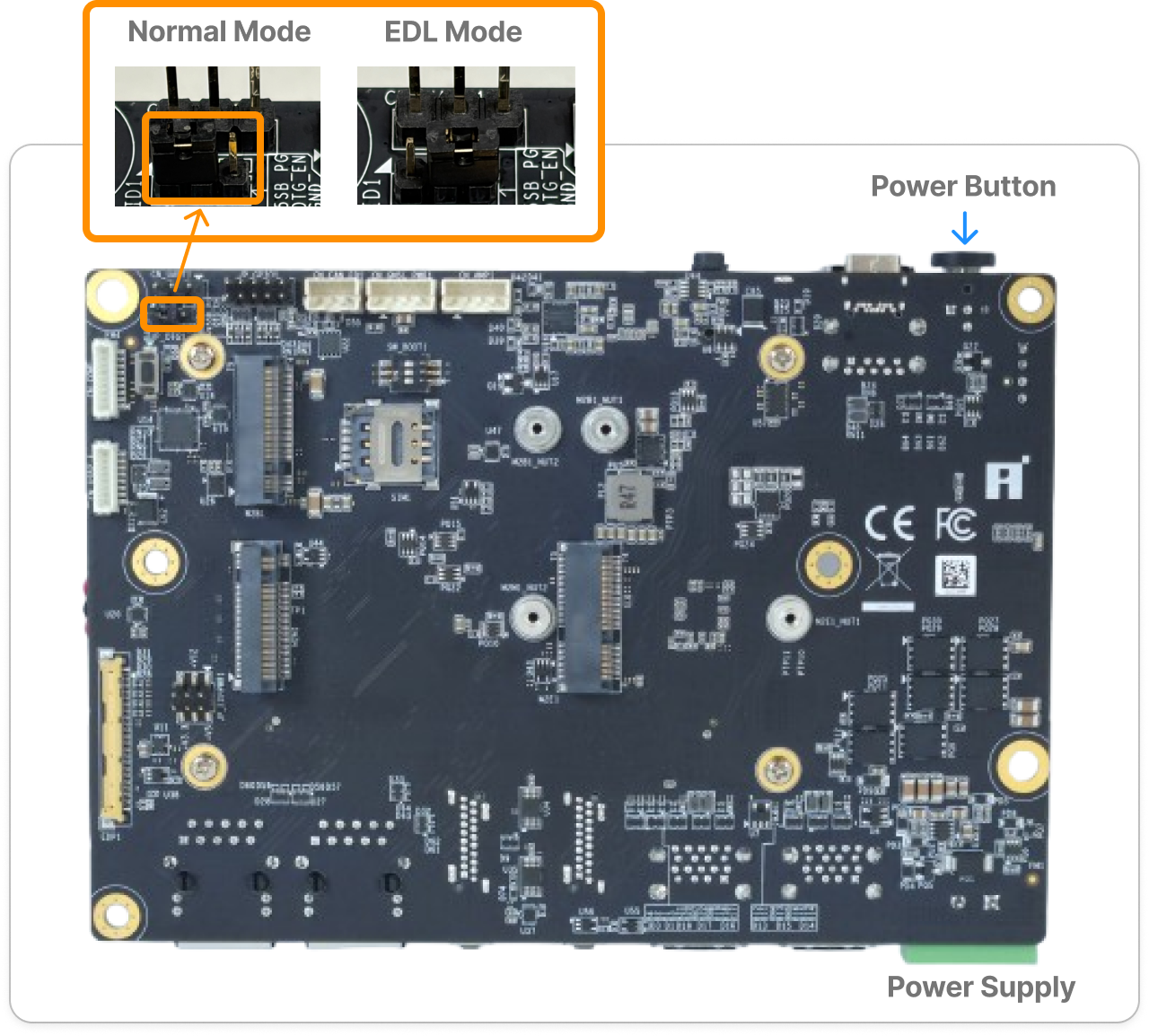
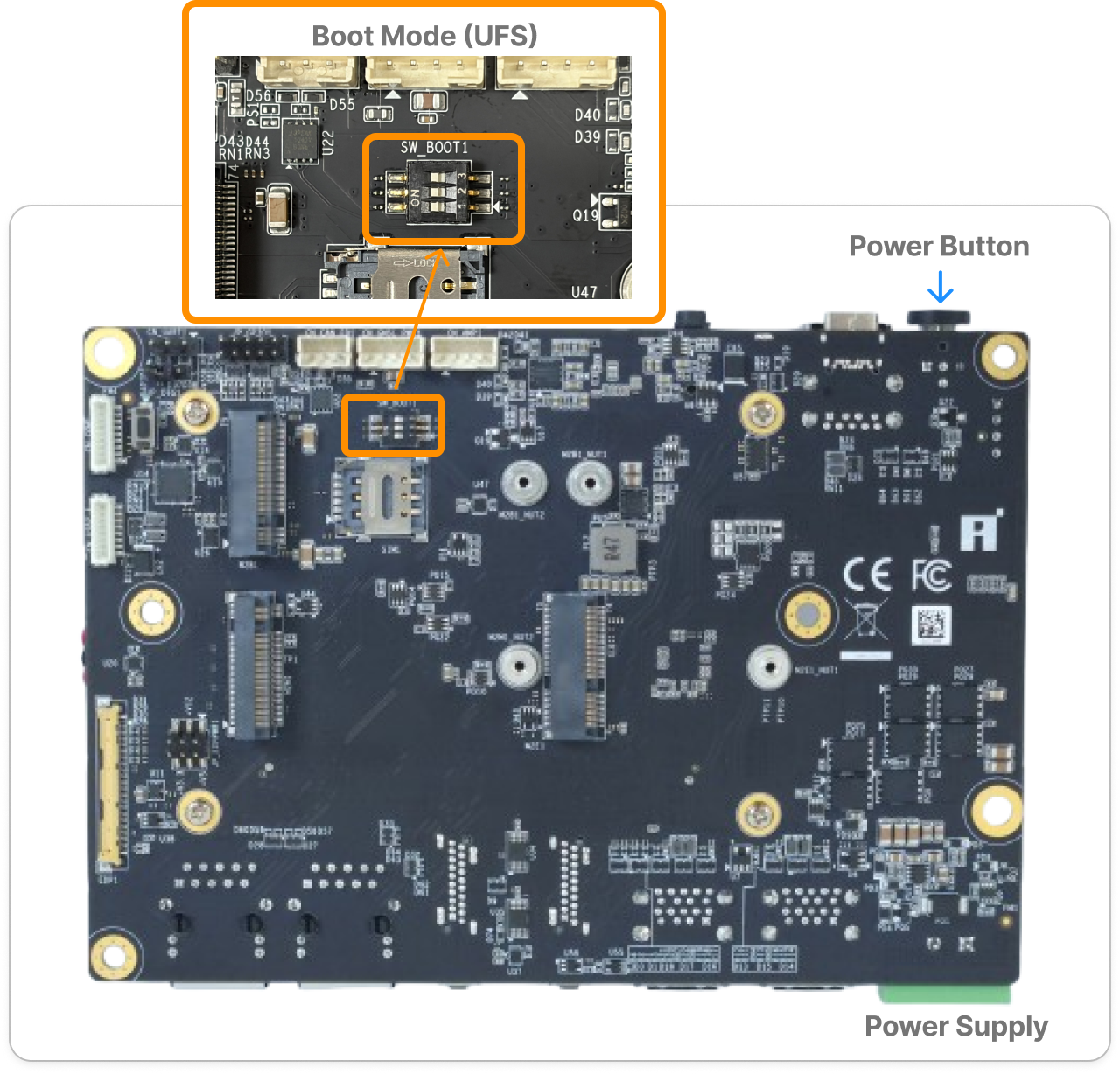
用 Agent Skill
跑完整場工作坊。
Run the Whole Workshop
with Agent Skill.
這頁教你怎麼用 AI coding agent(Claude Code 或 Codex)自動跑完 工作坊當日腳本手動教的同一套流程——從燒錄韌體到兩段即時 demo 對照。Agent 幫你處理操作細節,但每一步在做什麼、為什麼,你都會清楚看到——目的是讓你體驗完整的部署流程,不是把流程藏起來。 This page covers using an AI coding agent (Claude Code or Codex) to automatically run the same flow the Workshop Day Scripts page teaches manually — from flashing firmware to the two side-by-side live demos. The agent handles the operational details, but you'll still clearly see what's happening and why at every stage — the point is to experience the full deployment pipeline, not hide it behind automation.
三個 Skill 長什麼樣子What the Three Skills Look Like
都放在套件的 .agent/skills/ 底下,每個都是一個資料夾(一份 SKILL.md 說明 agent 該怎麼做,加上它實際會執行的腳本):
All three live under the package's .agent/skills/, each its own folder (a SKILL.md telling the agent what to do, plus whatever scripts it actually runs):
.agent/
└── skills/
    ├── flash-q911-image/
    │   ├── SKILL.md
    │   ├── flash_q911.ps1
    │   └── references/
    │       └── troubleshooting.md
    │
    ├── automate-hands-on-workshop/
    │   ├── SKILL.md
    │   ├── run_workshop_fp32.sh
    │   ├── run_workshop_int8.sh
    │   ├── generate_summary.py
    │   └── references/
    │       └── troubleshooting.md
    │
    └── flash-and-run-workshop/
└── SKILL.md| SkillSkill | 用途Purpose |
|---|---|
flash-q911-image |
燒錄 Q911 韌體並驗證開機——需要你在旁邊配合切兩次 EDL 模式。Flashes the Q911 firmware and verifies it boots — needs you on hand to switch EDL mode twice. |
automate-hands-on-workshop |
跑完整場工作坊(Run order 0–8):環境確認、FP32 基準、INT8 量化、mAP 比較、裝置端測試、兩段即時 demo。Runs the whole workshop (Run order 0–8): environment check, FP32 baseline, INT8 quantization, mAP comparison, on-device test, and two live demos. |
flash-and-run-workshop |
先燒錄、再接著跑整場工作坊;跑完一定會自動產生並開啟視覺化報告(不是選用)。Flashes first, then runs the whole workshop right after; always generates and opens a visual report automatically when done (not optional). |
除了 SKILL.md 本身,每個 skill 資料夾裡還有這些支援檔案:
Besides SKILL.md itself, each skill folder also has these supporting files:
| 檔案File | 是什麼What it is |
|---|---|
flash_q911.ps1 |
燒錄的協調腳本——找映像檔、檢查 EDL、跑 qdl 並判讀 log、燒錄後驗證,分階段由 agent 呼叫,人工步驟(切 EDL)夾在階段之間。The flash orchestrator script — finds the image, checks EDL, runs qdl and judges its log, then verifies the board. The agent calls it phase by phase, with the human steps (switching EDL) in between. |
flash-q911-image/references/troubleshooting.md |
燒錄步驟的已知失敗模式與解法,agent 失敗時會先查這份。Known failure modes and fixes for the flash step — the agent checks this first when something fails. |
run_workshop_fp32.sh / run_workshop_int8.sh |
agent 在 WSL 裡實際驅動的兩支協調腳本——分別跑 FP32(steps 0–3)跟 INT8(steps 4–8)那半段。The two orchestrator scripts the agent actually drives inside WSL — one runs the FP32 half (steps 0–3), the other the INT8 half (steps 4–8). |
generate_summary.py |
從這次執行的 log 產生 execution_summary.md。Builds execution_summary.md from this run's logs. |
automate-hands-on-workshop/references/troubleshooting.md |
工作坊步驟的已知失敗模式與解法。Known failure modes and fixes for the workshop steps. |
在送出指令之前,先搞懂會發生什麼事Before You Send the Command: What's About to Happen
照真實的執行順序畫出來——如果 Q911 已經燒錄好,直接從「環境確認」開始看: Drawn in the real order things happen — if the Q911 is already flashed, start reading from "Environment check":
燒錄韌體Flash the Firmware只有需要才有only if flashing
人機協作:你負責兩次實體切換(切到 EDL mode、切回 Normal mode),agent 負責搜尋韌體路徑、驗證裝置 ID、執行 qdl.exe、燒完用 adb 驗證真的開機成功。任何一步失敗都不會自動重試,會停下來給你看 log。qdl.exe 燒錄本身約 10 分鐘以上,加上兩次人工切換的時間。Human-machine collaborative: you handle the two physical switches (to EDL mode, back to Normal mode); the agent finds the firmware path, verifies the device ID, runs qdl.exe, then verifies over adb that it actually booted. Any failure stops it cold, log shown, no auto-retry. The qdl.exe flash itself takes 10+ minutes, plus time for both manual switches.
環境確認Environment CheckStep 0–2
依序裝 adb、裝 Docker 載入 iQ-Foundry 工具鏈、登入 Qualcomm AI Hub。這是唯一需要連網的一步;量化好的模型已經在套件裡,之後全程可以離線。Installs adb, installs Docker and loads the iQ-Foundry toolchain, logs into Qualcomm AI Hub. This is the only step that needs network access; the quantized model already ships in the package, so everything after this can run offline.
FP32 基準FP32 BaselineStep 3
把原始模型跟 streampipe 送到 Q911,跑 9 路即時偵測,建立「量化前」的畫面跟 FPS,之後每一步都拿這個當對照組。Pushes the original model and streampipe to the Q911, runs 9-channel live detection, establishing the "before quantization" picture and FPS that everything after compares against.
關卡:要不要繼續 INT8?Gate: Continue into INT8?
FP32 跑完、demo 停止後,agent 一定會停下來明確問你,不會自己判斷。回「no」就正常結束,是完整的結果,不是錯誤。Once FP32 finishes and its demo stops, the agent always stops and asks explicitly — it never decides on its own. Replying "no" ends cleanly, a complete outcome, not an error.
INT8 量化INT8 QuantizationStep 4–5
先健檢一次環境(確認 adb、Docker image、BSP 版本都還在)並補建 on-device 的 Python 環境,再直接複製套件裡已經用 QAI Hub 量化好的 INT8 模型,跳過現場等待。A quick environment health check first (adb, the Docker image, BSP version) plus setting up the on-device Python environment, then copies the INT8 model already quantized via QAI Hub in the package, skipping any live wait.
mAP 比較mAP ComparisonStep 6
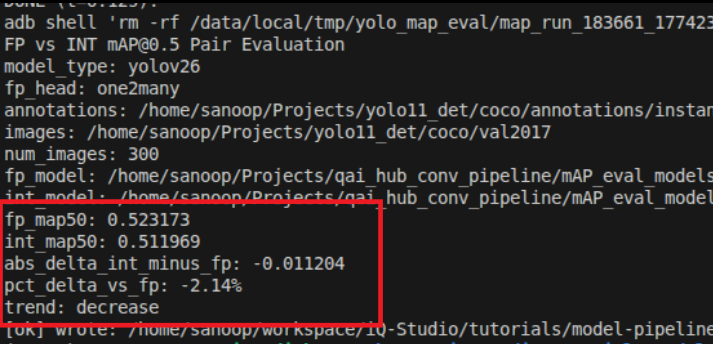
同一組圖片分別跑 FP32、INT8,印出兩個模型的 mAP,讓你看到量化犧牲了多少精度換速度與體積。Runs the same image set through FP32 and INT8, printing both models' mAP so you can see exactly how much accuracy was traded for speed and size.
裝置端測試On-Device TestStep 7
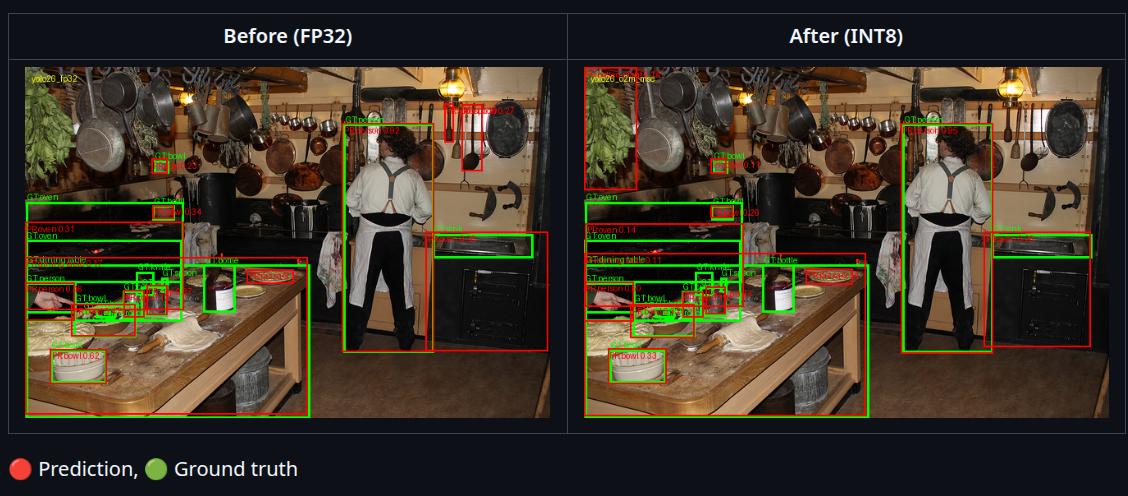
用 adb 把測試圖丟到 Q911,實際跑一次 INT8 推論,存下偵測結果圖——mAP 是數字,這步是眼見為憑。Pushes test images to the Q911 via adb, runs INT8 inference for real, saves the detection results — mAP is a number, this is the eyeball proof.
INT8 即時 demoINT8 Live DemoStep 8
同一台板子、同一組影片,把模型從 FP32 換成 INT8 再跑一次 9 路偵測,直接比較畫面跟 FPS,是整場的收尾對照。Same board, same videos, model swapped from FP32 to INT8, running 9-channel detection again — a direct before/after comparison, picture and FPS, to close things out.
整體約 15–25 分鐘(不含兩段 demo 想看多久,以及燒錄與兩次人工切換的時間);每一步任何一個失敗,腳本會立刻整個停下來,agent 對照已知問題清單,有安全解法就套用、只重跑失敗那一步,沒有就講清楚原因問你 retry 還是 stop。 Roughly 15–25 minutes overall (not counting how long you let each demo run, or flashing and its two manual switches); if any step fails, the script halts immediately — the agent checks a documented troubleshooting reference and applies a known-safe fix (re-running only that step) if one matches, otherwise explains the cause and asks whether to retry or stop.
送出指令,開始執行Send the Command to Start
送出指令之前,一定要先跑一次最後檢查。在 C:\iq_workshop\hands_on_workshop_package_v2.0.0\scripts 資料夾裡雙擊執行 preinstall-check.bat,它會逐項確認 Windows/WSL2、Qualcomm USB Driver、套件與韌體資料夾、以及 WSL 內的 adb 是否都已就緒;還沒準備好的項目,會直接告訴你該怎麼補上,照著做就好。全部通過之後,再送出下面的指令。Before you send the command, you must run one final check. Double-click preinstall-check.bat in C:\iq_workshop\hands_on_workshop_package_v2.0.0\scripts — it checks item by item that Windows/WSL2, the Qualcomm USB Driver, the package and firmware folders, and adb inside WSL are all ready, and for anything that isn't, it tells you exactly how to fix it. Only send the command below once everything passes.
執行後會逐項檢查下表,全部出現綠色 PASS 就好。It runs through the checks below — you're good once every line shows a green PASS.
檢查項目表What it checks
| # | 檢查項Check | 沒過時If it fails |
|---|---|---|
| 1 | Windows 版本支援 WSL2Windows version supports WSL2 | 到 Windows Update 更新Update via Windows Update |
| 2 | WSL2 + Ubuntu-22.04 | 自動安裝Auto-installed |
| 3 | Qualcomm USB Driver | 安裝官方 QUD 安裝包Install the official QUD package |
| 4 | usbipd-win | 自動安裝Auto-installed |
| 5 | 套件資料夾(檔案齊全、大小正確)Package folder (all files present, right size) | 重新下載,放到 C:\iq_workshop 底下Re-download and place under C:\iq_workshop |
| 6 | 韌體 image 資料夾(檔案齊全、大小正確)Firmware image folder (all files present, right size) | 重新下載或解壓縮韌體 zipRe-download or re-extract the firmware zip |
| 7 | WSL 裡的 adbadb inside WSL | 自動安裝Auto-installed |
在 VS Code 選單 File → Open Folder...,開啟 C:\iq_workshop(裡面就是 hands_on_workshop_package_v2.0.0 套件,README_AGENTIC.md 在它裡面那一層)。開啟後貼下面的提示詞,把 <WSL_PASSWORD>、<QAIHUB_API_KEY> 換成真正的值:
In VS Code, go to File → Open Folder... and open C:\iq_workshop (it holds the hands_on_workshop_package_v2.0.0 package, with README_AGENTIC.md one level inside it). Once it's open, paste the prompt below and swap in your real <WSL_PASSWORD> / <QAIHUB_API_KEY>:
Flash the Q911 and run the hands-on workshop end-to-end by
hands_on_workshop_package_v2.0.0\.agent\skills\flash-and-run-workshop\SKILL.md .
WSL password: <WSL_PASSWORD>
QAI Hub API key: <QAIHUB_API_KEY>
兩個秘密值只在對話裡用文字貼給 agent,不寫進任何檔案、不出現在 log 裡;QAI Hub key 在 log 裡會被遮成 ***REDACTED***。Both secrets are only ever pasted as text into the chat — never written to any file, never logged; the QAI Hub key is scrubbed to ***REDACTED*** in the log.